Hydration awareness, without the busywork.
Hydra estimates your hydration need from the activity, workout and health signals you allow — plus local weather if you enable it. Logging drinks is optional.
Hydra estimates need — it cannot detect drinking or measure your body’s hydration.
How it works
Three steps from setup to awareness.
Set your preferences
Choose whether to connect Apple Health and optional local weather. These permissions can be declined — a baseline estimate is always available.
Hydra calculates your estimate
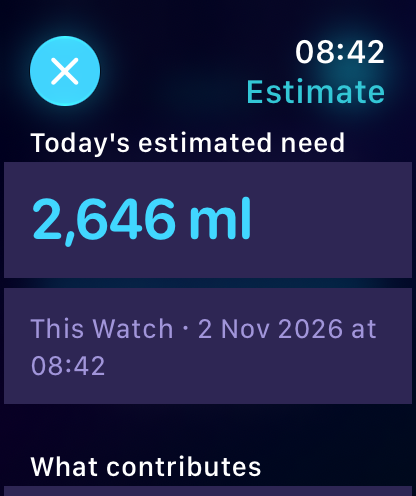
Using the permitted health and activity signals — plus local weather when enabled — Hydra calculates an estimated hydration need throughout the day.
Glance at your Watch
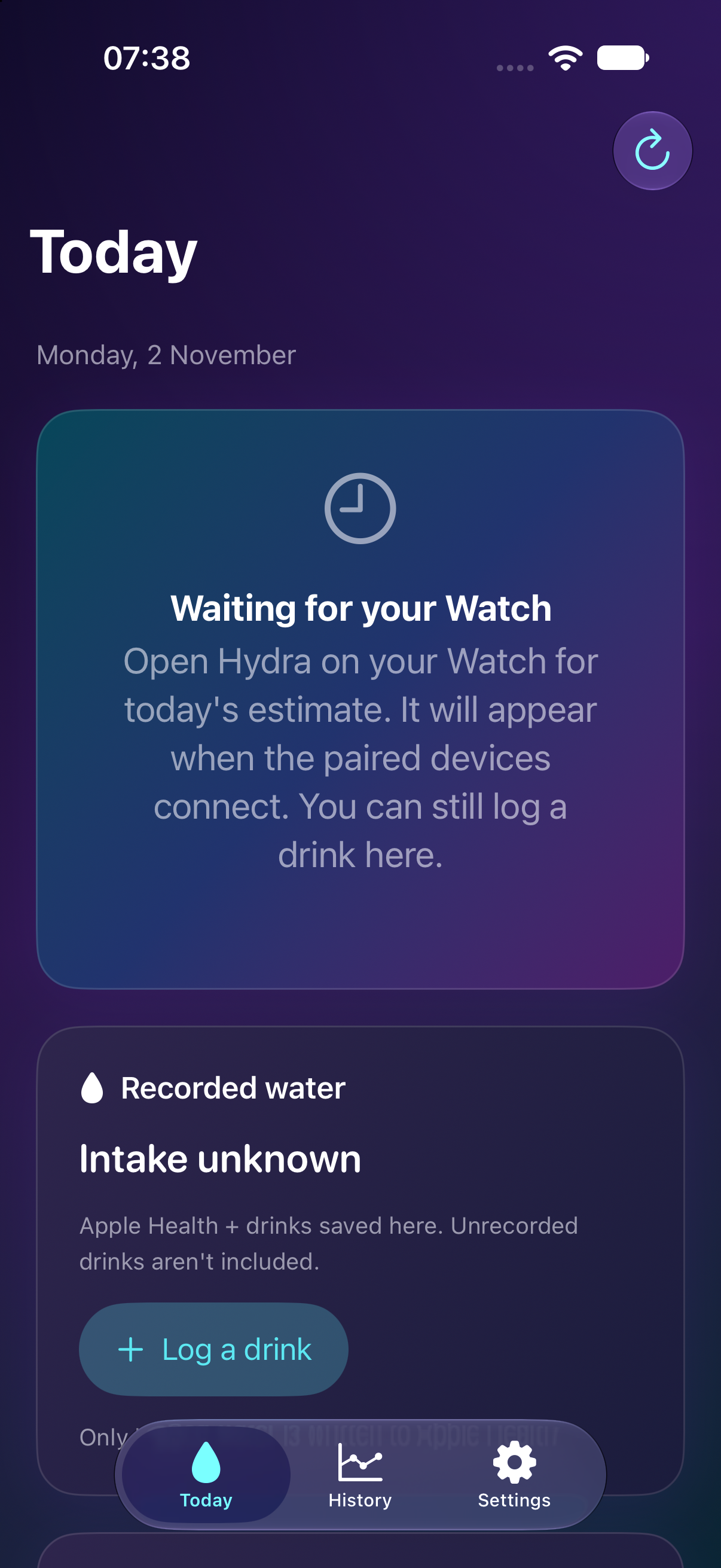
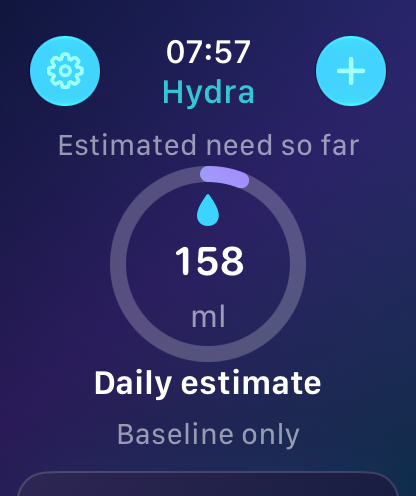
Check the estimate on Apple Watch or the companion iPhone app. Logging drinks is optional — only drinks you record are written to Apple Health.
Built around your routine
Hydra adapts to the signals you share, without getting in the way.
Passive estimates
Hydra calculates an estimated hydration need — no manual tracking required.
Workout-aware
Workouts and active energy inform the estimate, so it adjusts as you move.
Optional drink logging
Log a drink or correct one if you like. Only recorded drinks are written to Apple Health.
Glanceable on Apple Watch
The Watch app works independently and syncs when paired devices connect.
History
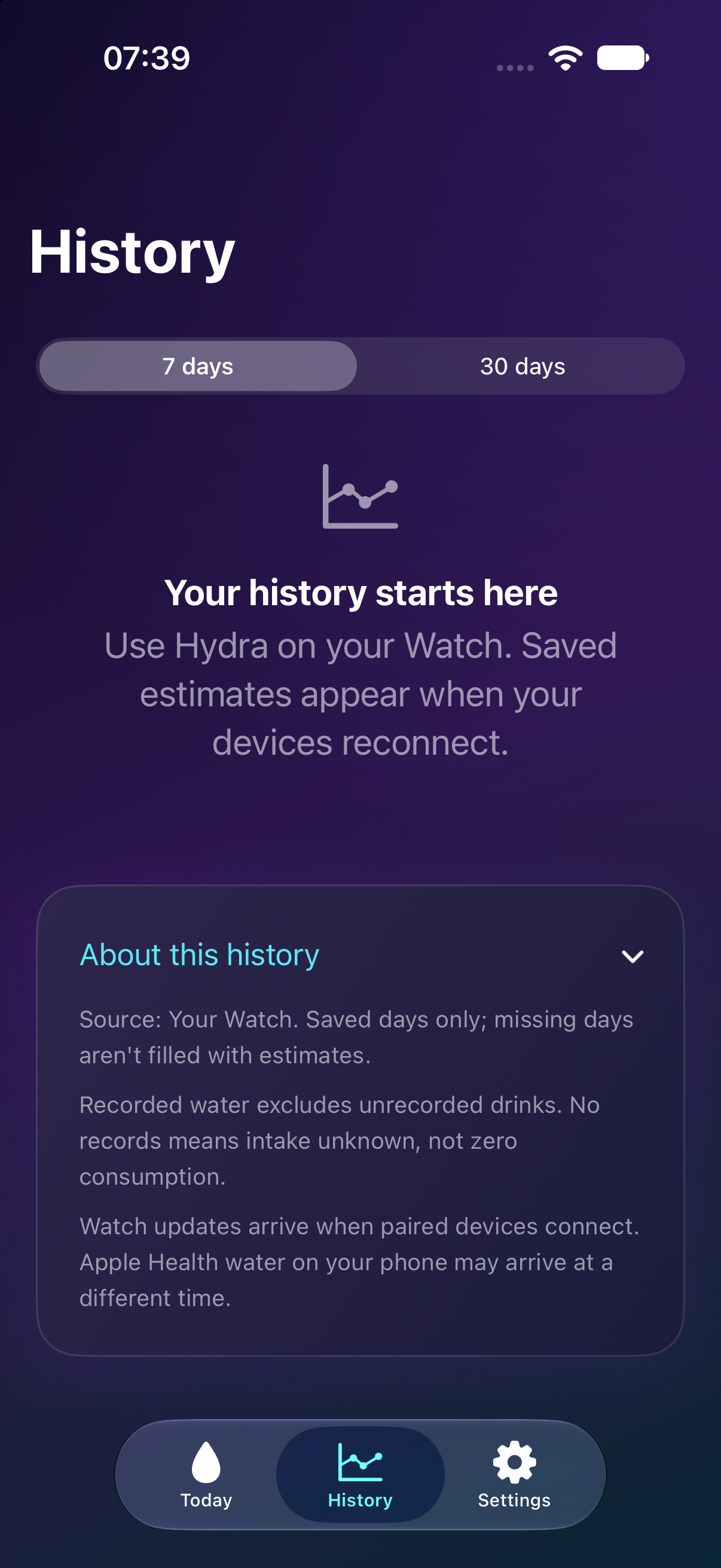
Review 7 or 30 days of saved estimates. Only saved days appear — missing days aren’t filled with estimates.
Settings
Metric (ml) or US customary. Light, dark or system appearance. Set weight, activity level, climate and awake hours.
Watch estimate
History
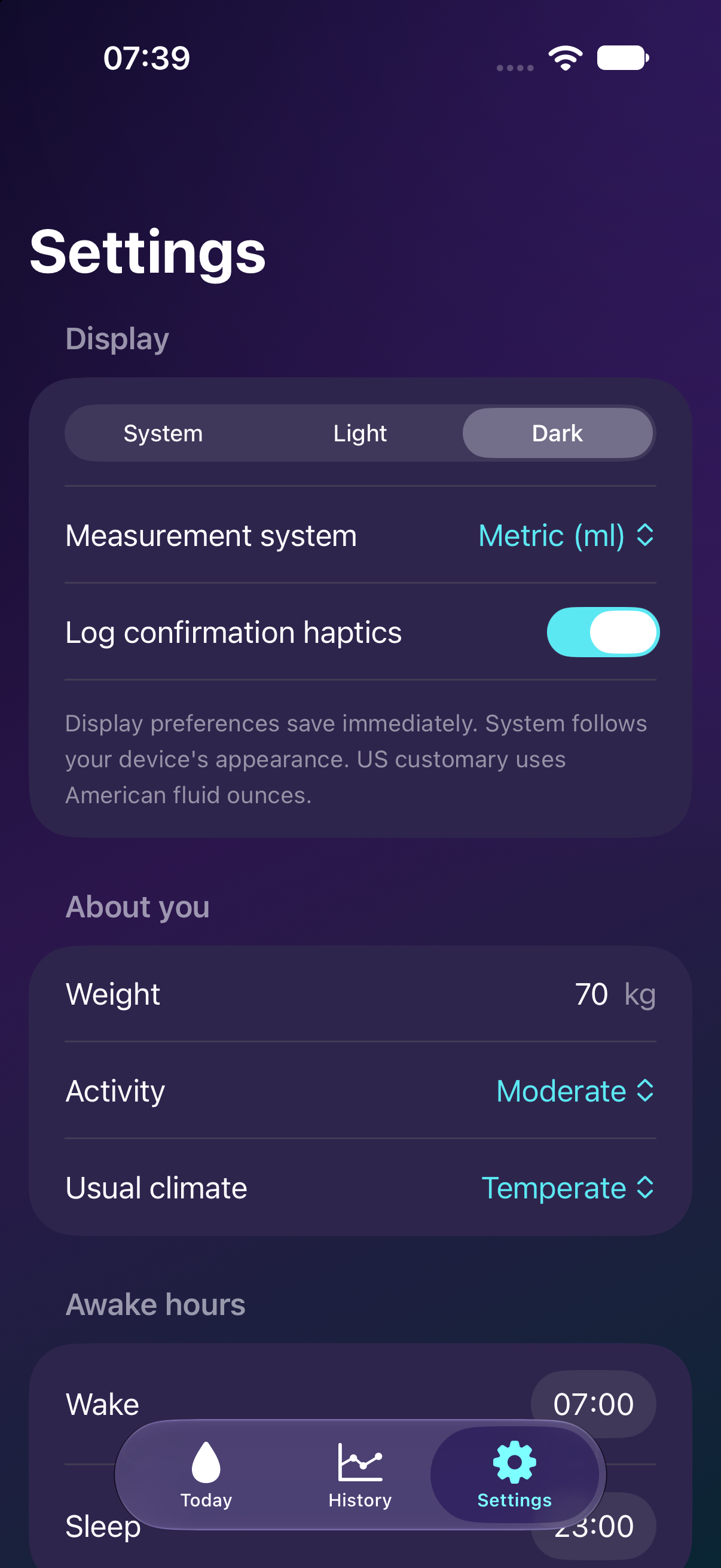
Settings
Your data stays with you
Hydra has no developer-operated backend and no CloudKit service. Your profile, estimates and history are stored locally on your devices. Health access is optional and always revocable. The one exception is the optional WeatherKit request, which uses approximate location to fetch local weather.
Read the full privacy notice